Articles › Working With Your FD
Working With Your FDHow a Fractional FD Integrates With Your Existing Software
How does a fractional Finance Director work with Xero, Sage, QuickBooks, and your other business systems? Learn how FD software integration works in practice for UK SMEs.
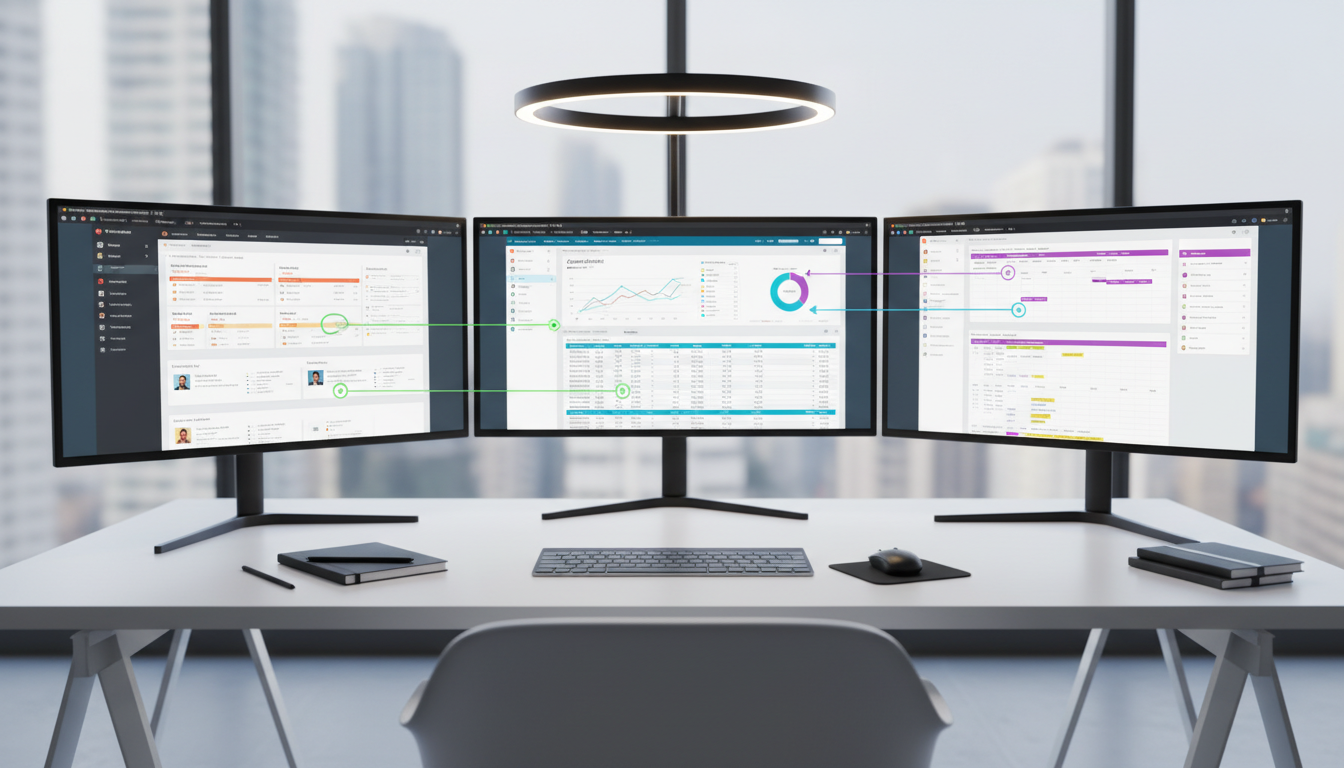
A fractional Finance Director integrates with your existing financial systems — they do not replace them or require you to adopt new software simply to accommodate their working style. The vast majority of UK SMEs use one of a handful of well-established cloud accounting platforms, and every Finance Director in the FractionalFD network is experienced across these tools. Understanding how software integration works in practice helps you plan for a smooth start and avoid the friction that can slow early engagement momentum.
Accounting Software: Working With What You Have
The most common accounting platforms used by UK SMEs are Xero, Sage (including Sage 50, Sage 200, and Sage Intacct), QuickBooks Online, and FreeAgent. Your fractional FD will work directly within your existing accounting platform — they do not need you to migrate to a new system and they are not incentivised to recommend one platform over another. The onboarding process involves granting your FD access to your accounting software, typically at the "adviser" or "manager" permission level, which allows them to view, report on, and where appropriate make adjustments to the accounts without giving full administrative control.
Xero
Xero is the most common platform among the businesses FractionalFD works with. Its cloud-native architecture means your FD can access the accounts from anywhere, and its adviser access model provides appropriate permissions without oversharing. Xero's reporting functionality — particularly with add-ons like Fathom or Spotlight Reporting — allows your FD to build high-quality management accounts and board packs directly from the live data.
Sage
Sage 50 and Sage 200 are popular with more established UK SMEs, particularly those in manufacturing, distribution, and professional services. Remote access to Sage on-premise installations requires either a hosted cloud version or secure remote desktop access — your FD will work with your IT team or accountants to establish this. Sage Intacct, increasingly adopted by mid-market businesses, provides strong cloud-based access and sophisticated multi-entity reporting capabilities that a fractional FD can leverage effectively.
QuickBooks and Other Platforms
QuickBooks Online is widely used among smaller businesses and sole traders who have grown. Your fractional FD is experienced with QuickBooks and will work within it, though they may recommend improvements to the chart of accounts or reporting setup during the onboarding financial review. NetSuite, Dynamics 365, and SAP Business One are encountered less frequently at SME level but are familiar to experienced FDs who have worked with larger businesses.
Payroll Systems
Your fractional FD does not typically run payroll — that is a bookkeeper or payroll bureau function. However, they need read access to your payroll data to understand employment costs, PAYE liabilities, and the accuracy of payroll journals in the accounts. Common UK payroll platforms include BrightPay, Sage Payroll, Moorepay, and the payroll modules within Xero and QuickBooks. Your FD will request appropriate reporting access — not administrative payroll control — to ensure payroll costs are properly reflected in management accounts.
Financial Modelling and Reporting Tools
Beyond your core accounting software, your fractional FD will typically work across a range of analysis and reporting tools:
- Microsoft Excel and Google Sheets: The backbone of most financial modelling work. Your FD will build cash flow forecasts, three-way financial models, scenario analysis, and budget templates in Excel or Sheets. These tools are universally compatible and do not require any software investment.
- Reporting add-ons: Tools like Fathom, Spotlight Reporting, Futrli, and Figured plug directly into Xero or QuickBooks to produce automated, visually compelling management accounts and KPI dashboards. If you are not already using one of these, your FD may recommend one based on your reporting needs.
- Data room platforms: For businesses undertaking fundraises or M&A processes, your FD will work within whatever data room platform is being used — Datasite, Intralinks, Ansarada, or a simpler shared drive structure for smaller raises.
Communication and Collaboration Tools
Your fractional FD will integrate into your existing communication tools rather than requiring you to adopt their preferred platforms. If your business runs on Microsoft Teams, they will work in Teams. If you use Slack, they will join your Slack workspace. Email remains the default for formal correspondence and document exchange. As discussed in our article on how you will communicate with your FD, the approach is always to fit around your existing working practices rather than to impose new ones.
A fractional FD who requires you to change your systems to work with them is a red flag. The right FD adapts to your environment and improves it over time, not immediately on arrival.
When Your Systems Need Improving
Part of what an experienced fractional FD brings is a clear-eyed view of whether your existing systems are fit for purpose. In many engagements, the onboarding financial review identifies areas where the current setup is creating inefficiency — a poorly structured chart of accounts, a mismatch between payroll and accounts, reporting that relies on manual monthly extraction rather than automated dashboards, or a complete absence of a management accounts process. In these cases, your FD will make recommendations and, once agreed, will project-manage the improvements — whether that means reconfiguring Xero, implementing a reporting add-on, or scoping a more significant system migration.
These system improvements are typically scoped as distinct projects within the engagement rather than absorbing all of the standard monthly allocation. For context on how that kind of project work sits alongside the regular monthly rhythm, see our guide to the onboarding process and the information needed to get started.